What did you expect would happen?
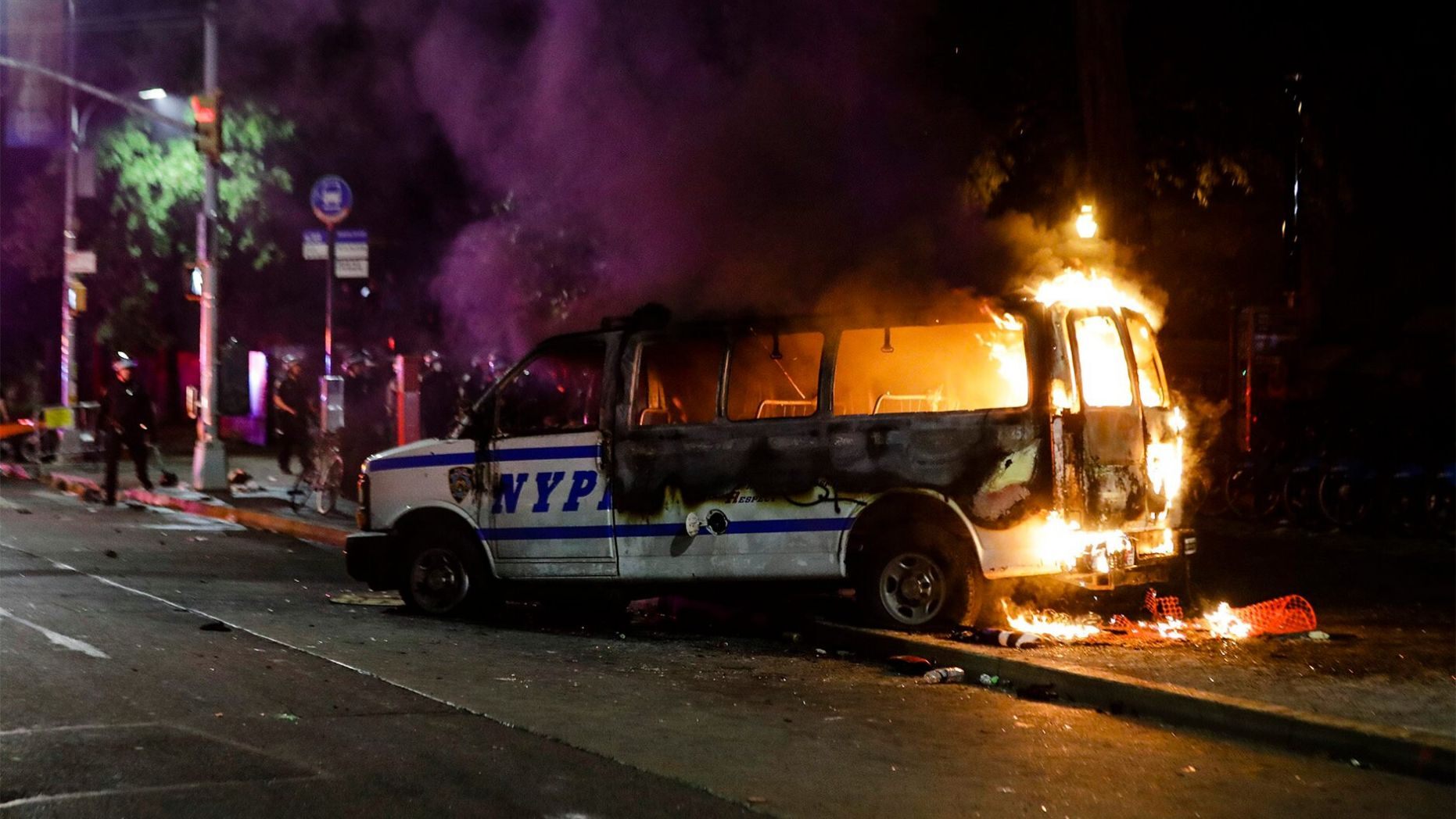
We, the people, grant law enforcement officers, judges, elected officials, and other people an increased level of authority in our society. However, this authority is neither free nor limitless. This is not politics These are our rights as American citizens. Every single one of us is affected by this, either right this moment, or in the coming years and decades. As voters, it is our responsiblity to hold our leadership accountable whether we voted for them or not — especially if we voted for them.
Playlist: Best of Foo Fighters
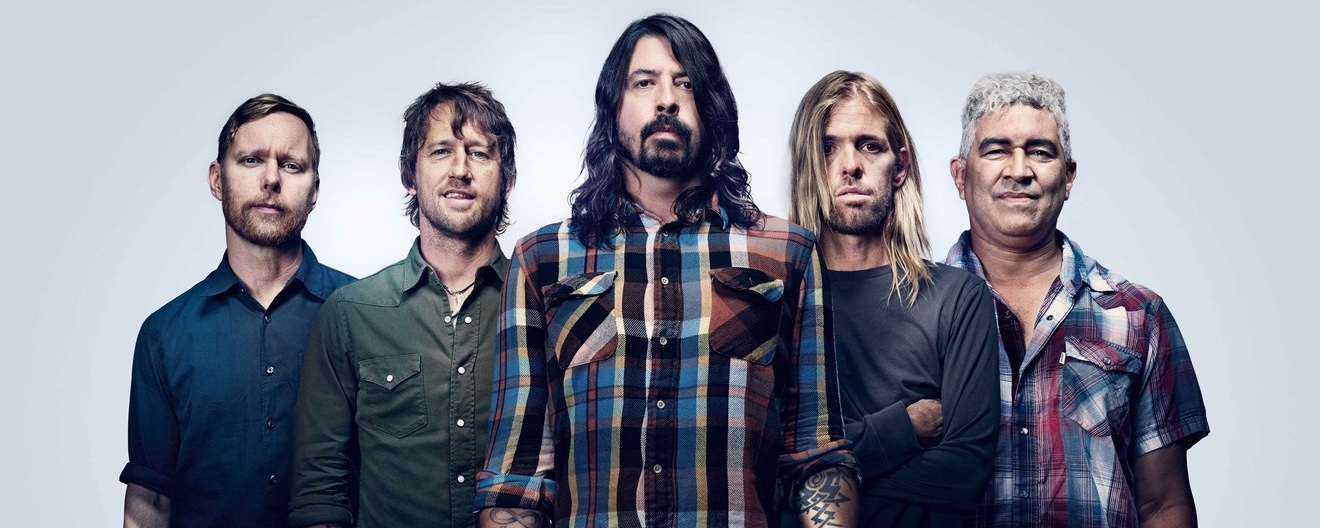
The Foo Fighters are one of the greatest bands in rock music. Born from the ashes of Nirvana, Foo Fighters have gone on to take their own place in rock history. These are the songs that I think are the best from their repertoire. Playlist View on Apple Music, Pandora, Spotify, or YouTube.
How to create local TLS certificates for development on macOS

By creating a Certificate Authority (a.k.a., a “CA”) and trusting it locally, any certificate that we create using this CA will also be trusted locally. This can simplify the development of HTTPS websites on your local machine. This content is a fork of, and is largely based on, “Generating Self-Signed SSL Certificates for Use with Bluemix Custom Domains”, by Tony Erwin, dated 2014-09-15. The examples in this tutorial are from macOS Sierra (10.12). Create a local Certificate Authority Start by opening Keychain Access.
Using GNU command line tools in macOS instead of FreeBSD tools

macOS is a Unix, and not built on Linux. This can bite you when trying to write scripts which support both platforms. I think most of us realize that macOS isn’t a Linux OS, but what that also means is that instead of shipping with the GNU flavor of command line tools, it ships with the FreeBSD flavor. As such, writing shell scripts which can work across both platforms can sometimes be challenging. Homebrew Homebrew can be used to install the GNU versions of tools onto your Mac, but they are all prefixed with “g” by default.
Running aws-vault in macOS with local Docker containers

Overview aws-vault is a tool for storing your AWS credentials in your system keychain instead of as a plain text file on-disk. Credentials and other secrets (including your various system passwords) are stored inside your system keychain. They are encrypted, and cannot easily be stolen by a rogue script or application. By keeping your AWS credentials in your system keychain, they are available to you when you are logged in, unavailable when you are logged out, and provide an important layer of security that the standard plain text storage method does not.
